How to make your own coloring pages
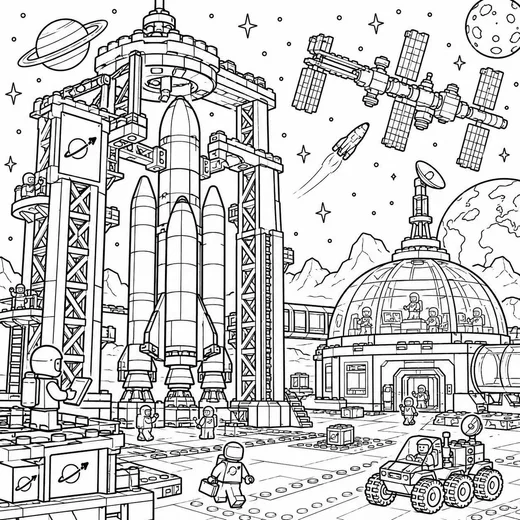
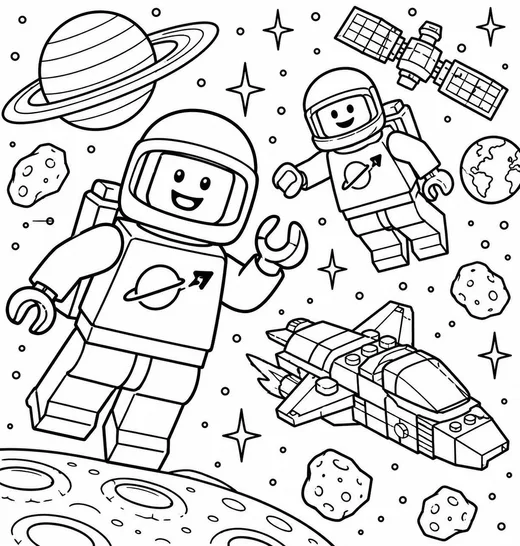
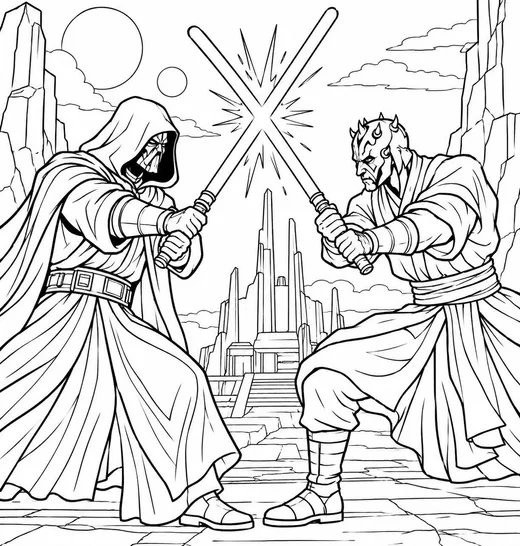
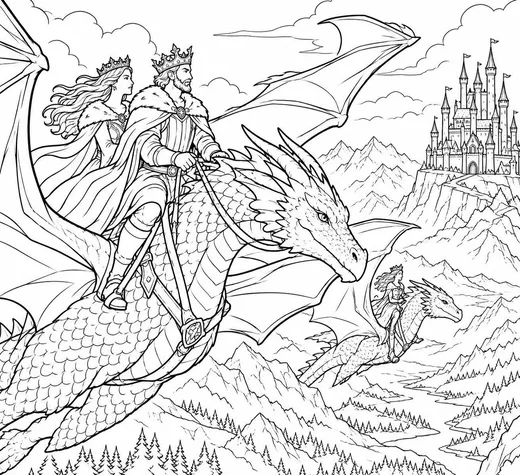
A good coloring page is not just a drawing with the color left out. It is a drawing built to be colored: closed shapes, thick even lines, enough room for a crayon, and nothing grey. Here is how these pages are made, start to finish.
What makes a drawing easy to color
Closed shapes. Every area a kid might fill should be fully enclosed by a line. Gaps let color (and the bucket tool in coloring apps) leak into the next area.
Thick, even lines. Aim for lines about 2 mm wide on paper, or 8–12 px on a 2550 px wide canvas. Thin lines disappear under crayon; very thick ones swallow small shapes.
Big areas, few tiny ones. A three-year-old needs shapes at least the size of a thumbprint. Save fine detail for pages meant for older kids.
No shading, no grey. Pure black lines on pure white. Grey fills print as muddy blocks and fight with whatever color goes on top.
One clear subject, a little world around it. A whale is the subject; two wavy lines of sea and a few bubbles give the background something to color without crowding it.
Way one: draw on paper and scan it
Sketch lightly in pencil first. Then go over the lines you want with a black felt-tip or a fine permanent marker (a 0.8–1.0 mm tip, or a broad marker for toddler pages). Erase the pencil once the ink is dry.
Scan at 300 dpi in black-and-white or greyscale mode. A phone scanner app works too: Notes on iPhone and Google Drive on Android both have a document scanner. Pick the black-and-white filter so the paper turns pure white.
Clean up any specks, then save as PNG. PNG keeps lines crisp; JPEG adds blurry fringes around them.
Way two: draw on a tablet
Make a canvas at 2550 × 3300 px (US Letter at 300 dpi) or 2480 × 3508 px (A4 at 300 dpi). Use a monoline brush, one that does not change width with pressure, at 8–12 px.
Turn on stroke stabilisation if your app has it; it gives smooth, confident curves. Close every shape: zoom in where lines meet and make sure they overlap.
Test the page before you share it: use the fill bucket on each area. If the color leaks out, there is a gap to close.
Export as PNG on a white background (not transparent), or as PDF.
Way three: trace a photo
Pick a photo with one clear subject and a simple background: a pet, a favourite toy, the house, the car.
On a tablet, put the photo on the bottom layer at about 30% opacity, trace the outlines on a new layer, then delete the photo layer. On paper, tape the printout to a window, lay a clean sheet on top and trace with a marker.
Leave texture out. One outline per area is enough; kids will add the fur, the bricks and the stripes themselves.
Ideas kids love coloring
Their own world, drawn simply: their pet, their street, their school bus, their favourite meal.
Ordinary things doing unexpected things: an owl reading a book, a fire truck on the moon, a mushroom that is a house.
Pages with room to add: an empty sky to fill with their own stars, a table with an empty plate, a tree with no leaves yet.
Sizing and sharing your pages
Keep about 0.5 in (12 mm) of white margin on every side; most home printers cannot print right to the edge.
Name the file after what it shows ("owl on a branch.png", not "IMG_2041.png"). It helps you find it later, and it is how pages on this site get their titles.
If you share pages online, a PDF in both US Letter and A4 saves everyone a step. That is what every page here comes with.